Entity Framework: Connecting to a mdf user database file via localDB during script execution
How to execute an Entity Framework generated database script against the correct attachable MDF user database instead of accidentally creating the schema in SQL Server's master database.
Problem
If you run the Generate database from model wizard and execute the generated script the destination database could be the wrong one (for instance master of the SQL Server).
Solution
To use an own mdf attachable user database some connection information must specified during script execution.
Execute your script opens the dialog Connect to Server
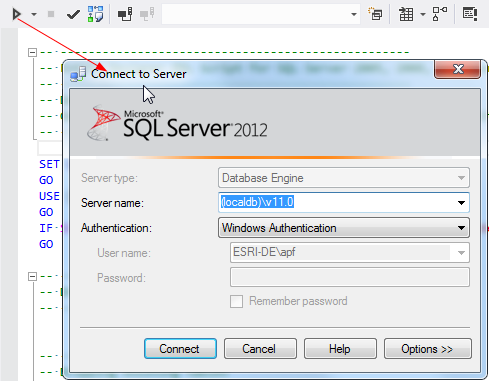
Press “Options” and go to the second tab “Connection Properties”.
Select “Browse server” in the “Connect to database” dropdown box:
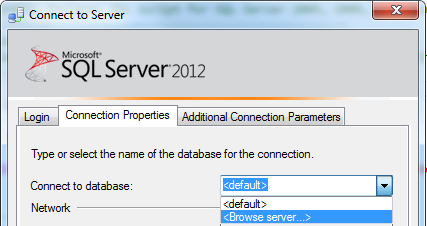
Confirm the information dialog with “Yes”.
In the following dialog you could choose your user database.
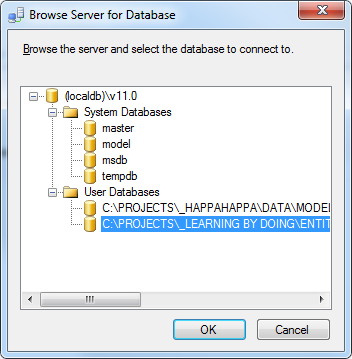
Now the schema is created in the user database.