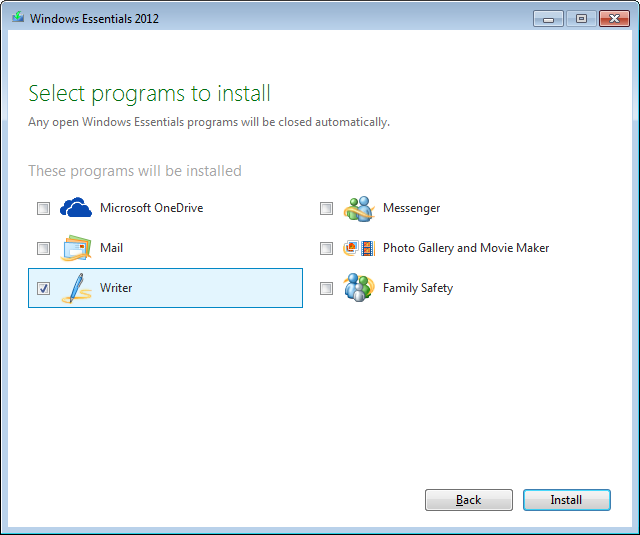
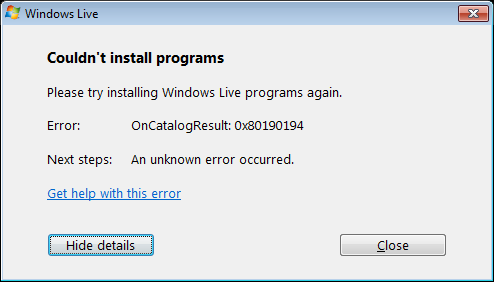
Error “Couldn’t install programs” during installing Windows Live Writer
Fix Windows Live Writer installation errors caused by the web installer by using the complete offline Windows Live Essentials installer instead.
By downloading the latest version of WLW you normally get the online installer. It is a small program wlsetup-web.exe which downloads during setup the necessary components.
Unfortunately this setup raised on different machines the error “Couldn’t install programs”.
Thankfully there is also an offline installer available, containing the complete bundle of live tools:
http://windows.microsoft.com/en-US/windows-live/essentials-install-offline-faq
According some information in the web it is recommended to use “plain English”, otherwise the installer seems to try to connect to unavailable resources which ends up also in problems.
Of course, that wlsetup-all.exe is a little bit larger:

But it let you select the live tool what you need and after the installation everything is fine