Installation experiences with NDepend under Win7/64 with restricted user permissions
Notes on getting NDepend's Visual Studio integration installed on Windows 7/64 with restricted user permissions, working around repeated file-blocking errors.
Today Patrick from NDepend gave me a new license for his static code analysis tool NDepend for my fresh machine with Win7/64. This platform is new for me, so some things are different to Win XP. Maybe that till yet some of these things are not well enough understood from me. So I stepped in some traps.
Here are my notes to get NDepend running.
Download of NDepend Professional Edition from here
Extracted to
c:\program files (x86)\NDependStart
NDepend.Install.VisualStudioAddin.exe; this failed with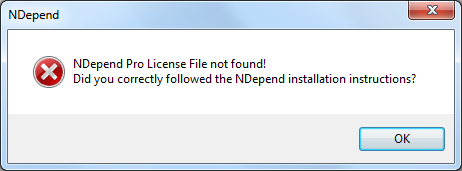
Okay – sounds plausible.
Copy
NDependProLicense.xmlto this folder 😀Next try with
NDepend.Install.VisualStudioAddin.exeopens the integration dialog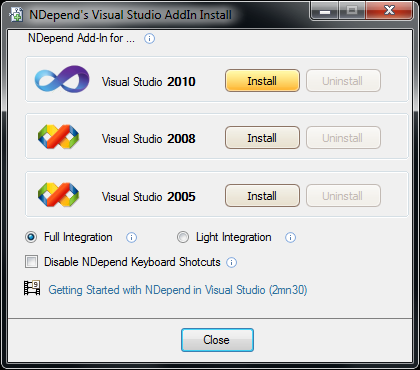
Registering in Visual Studio failed with
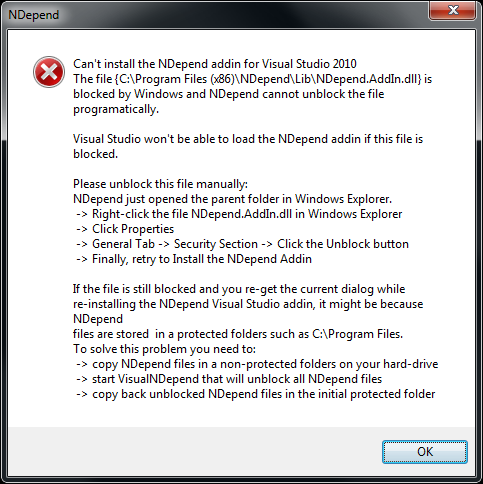
Manually unblock as described (first solution hint)
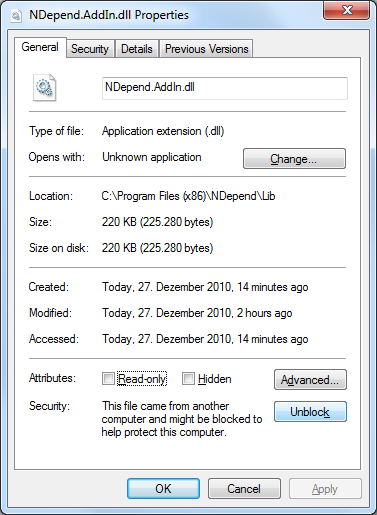
and here comes my largest understanding problem. After unblocking this file
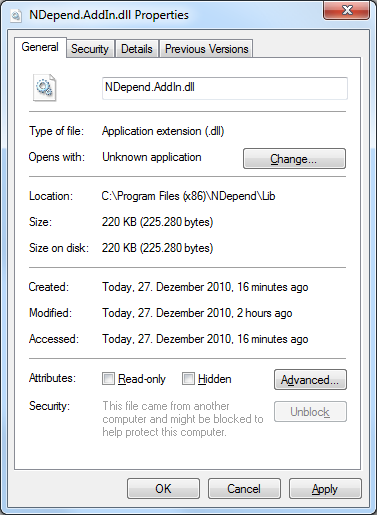
and closing this dialog the next opening shows the blocking again:
Why? - So the same error during integration pops up.
Okay – tried the second solution hint with copying folders
Copy all to a full accessible folder under
c:\temp\Now the installation works
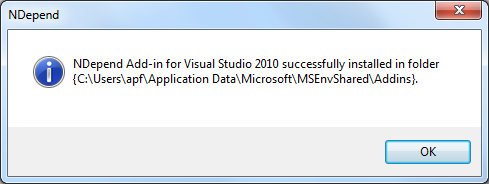
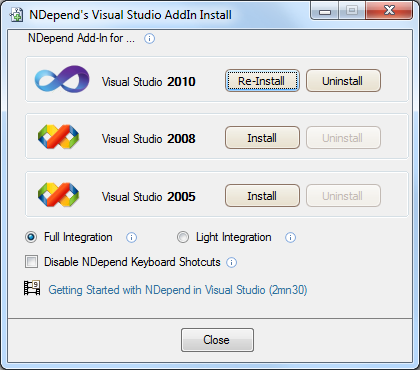
looks good
copying the folders back to
c:\program files (x86)\NDependstarting Visual Studio failed with
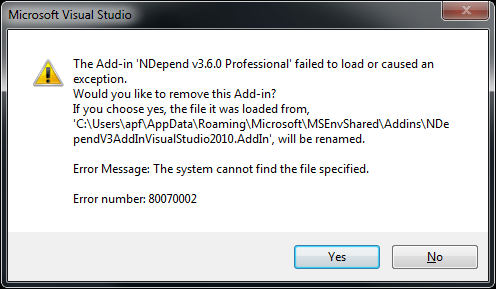
Okay – copying the folder to a private application folder
c:\users\apf\My Applications\NDependInstalling again
Now Visual Studio runs and NDepend is integrated 😀
Nevertheless my machine is only used by me, i prefer “all user”-installations. The described way works sadly only for my account.