OneNote: Change location of Unfiled Notes
How to move the OneNote Unfiled Notes section to a new location and reconnect it through OneNote's Save & Backup settings without editing the Windows registry.
There are some links in google to do this. But no hint works for me.
So I tried some own ideas. And indeed – I found a simple solution without registry editing and so on.
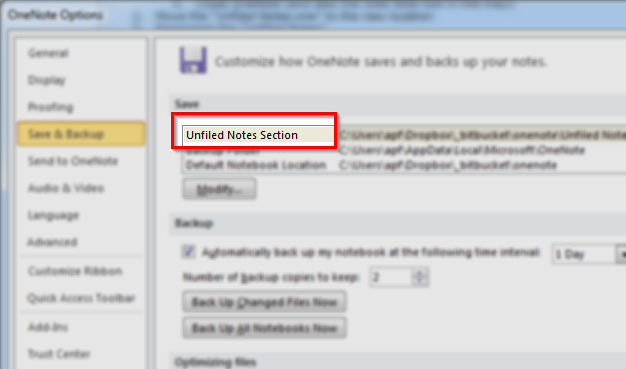
Get the actual location of “Unfiled Notes”
Start OneNote
File > Options
Save & Backup
look for the entry “Unfiled Notes Section”
by default this isC:\Users\***\Documents\OneNote Notebooks\Unfiled Notes.one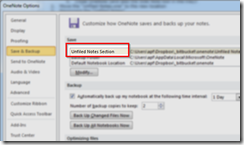
image Close OneNote (and also the Side Note tool in the tray)!

image Move the “Unfiled Notes.one” to the new location
Reconnect the “Unfiled Notes”
Double Click “Unfiled Notes.one”
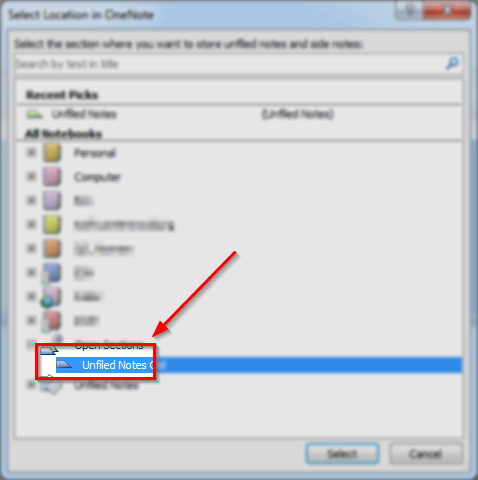
this opens a session-based Notebook (under “Unfiled Notes”)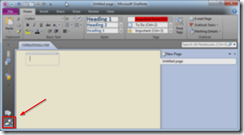
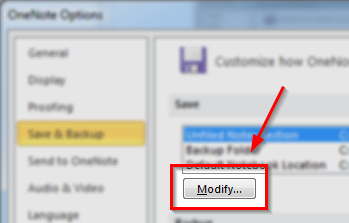
image File > Options
Save & Backup
select the entry “Unfiled Notes Section” and press Modify
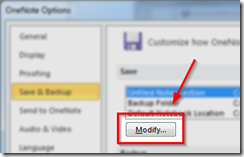
image Choose the “Unfiled Notes” from session-based Notebook
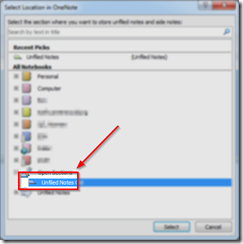
image Select, Ok
Close OneNote
Restart OneNote


- Now “Unfiled Notes” should be working on the new location