Photo Toolchain
Tools and practical techniques for organizing and bulk-renaming mixed photo collections on Windows.
Write a concise opening that tells the reader what they will learn.
Joe
Free for personal, non-commercial use
“Joe” (also known as winRename or Joe Rename) is a classic, lightweight freeware batch file-renaming utility for Windows designed to rename multiple files and folders using masks, scripts, counters, and specific character substring positions.
An indispensable tool for bulk-renaming files.
I use it most often to add a numeric prefix to mixed photo collections from different photographers or devices (iPhone, DSLR, action camera). Simply sort all photos by capture time and prefix them with a sequential number. This makes it much easier to work with the files in tools that have limited support for sorting by EXIF metadata.
The template I use for this is [number].[name].[type], with configuration leading zeros set to None.
German: Das entsprechende Template dazu:
[zahl].[name].[typ]mit Konfiguration Vornullen aufNull.
See also: Joe’s Instructions
For a very long time, I used version 3.1 and recently switched to 4.1. Both versions are free for private, non-commercial use.
FastStone Image Viewer
Free for personal and educational use
Portable version, XCopy-deployment
Dual-Screen Support (Toogle preview to 2nd display:
CTRL + SHIFT + D)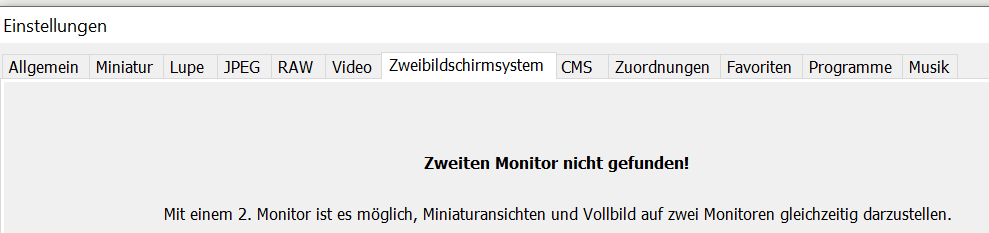
According to ChatGPT:
- only embedded embedded XMP
- Batch processing: Convert, rename, or edit multiple images simultaneously.
AutoHotkey remapping to avoid awkward finger twists:
#Requires AutoHotkey v2.0

#SingleInstance Force

; Nur aktiv, wenn FastStone Image Viewer im Vordergrund ist
#HotIf WinExist("FastStone Image Viewer 8.3")
Numpad1::Send("!5")   ; Taste Num 1 sendet Alt+5
Numpad2::Send("!4")
Numpad3::Send("!3")
Numpad4::Send("!2")
Numpad5::Send("!1")
Numpad0::Send("!0")
Numpad7::Send("^!l")   ; Taste Num 7 sendet Ctrl+Alt+L = rotate CCW
Numpad9::Send("^!r")   ; Taste Num 9 sendet Ctrl+Alt+R = rotate CW
#HotIf
FastRawViewer
around 25€
Move to Rejected (subfolder)

Rejected as rating

Navigate to next photo after rating
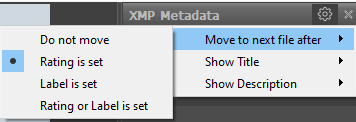
Move filmstrip to 2nd monitor, than expand from 1 row to light-table
Batch Renaming
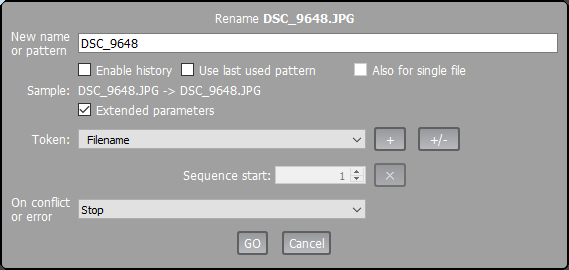
ExifTool & ExifToolGui
Installation
- Both apps must be in the same folder; rename
ExifTool.exetoexiftool.exe, otherwise ExifToolGui cannot find it
ExifToolGui
Preserve timestamps
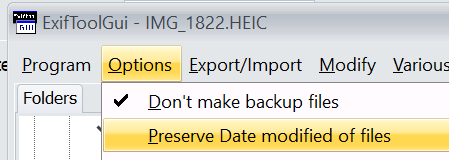
Timestamp shifting
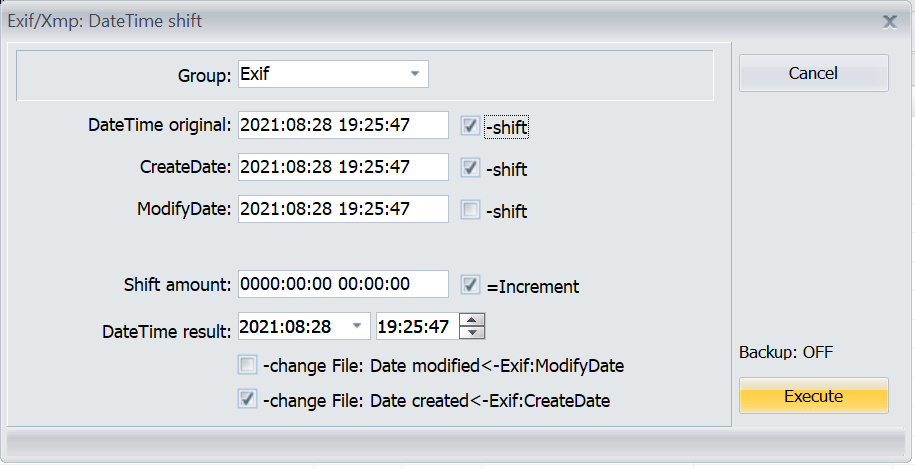
Geocoding (set address details based on GPS)
Duplicate Finder
AntiTwin
- Simple/easy to use
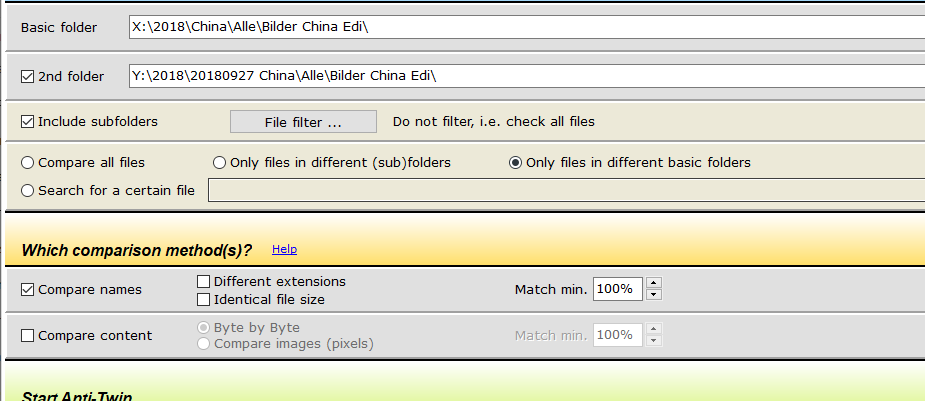
- One “ADS” folder = “Basic Folder” –> makes comparison of originals to - copies handy
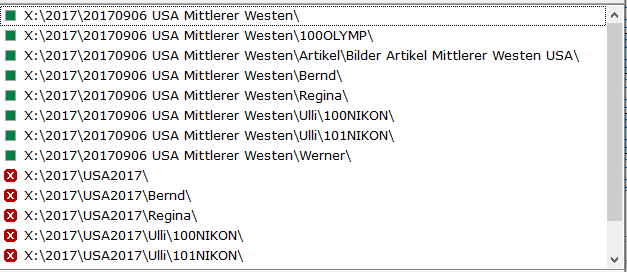
- Comparision options
Cons:
- Slow deletion
- Initially it did not support mapped network drives
(X:\2019\Kretanot found)
After restarting, it worked
AllDup
- Faster than AntiTwin
- Somehow outdated since 2011, but still works