Sublime Text 2 – Package installation not possible, no package listed
How to fix Sublime Text 2 Package Control when no packages are displayed by changing the repository channel protocol from HTTPS to HTTP.
Problem
I tried to add the Emmet (fka Zen Coding) package to Sublime Text 2. But by running this “Install Package” (CTRL + SHIFT + p) command

no packages were displayed.
Solution
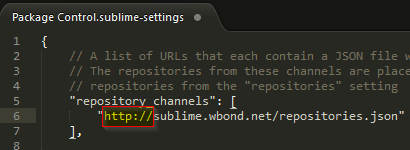
No glue why, but I had to change the repository channels protocol (Preferences > Package Settings > Package Control > Settings – Default) from https to http:
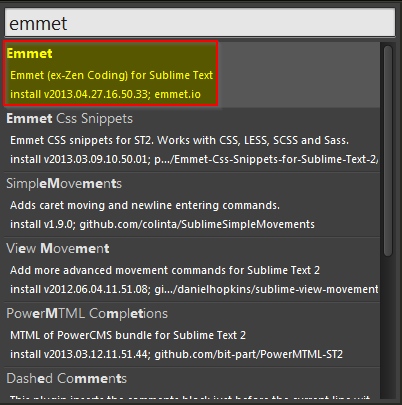
And voila .. here we have the packages: